Screenshots
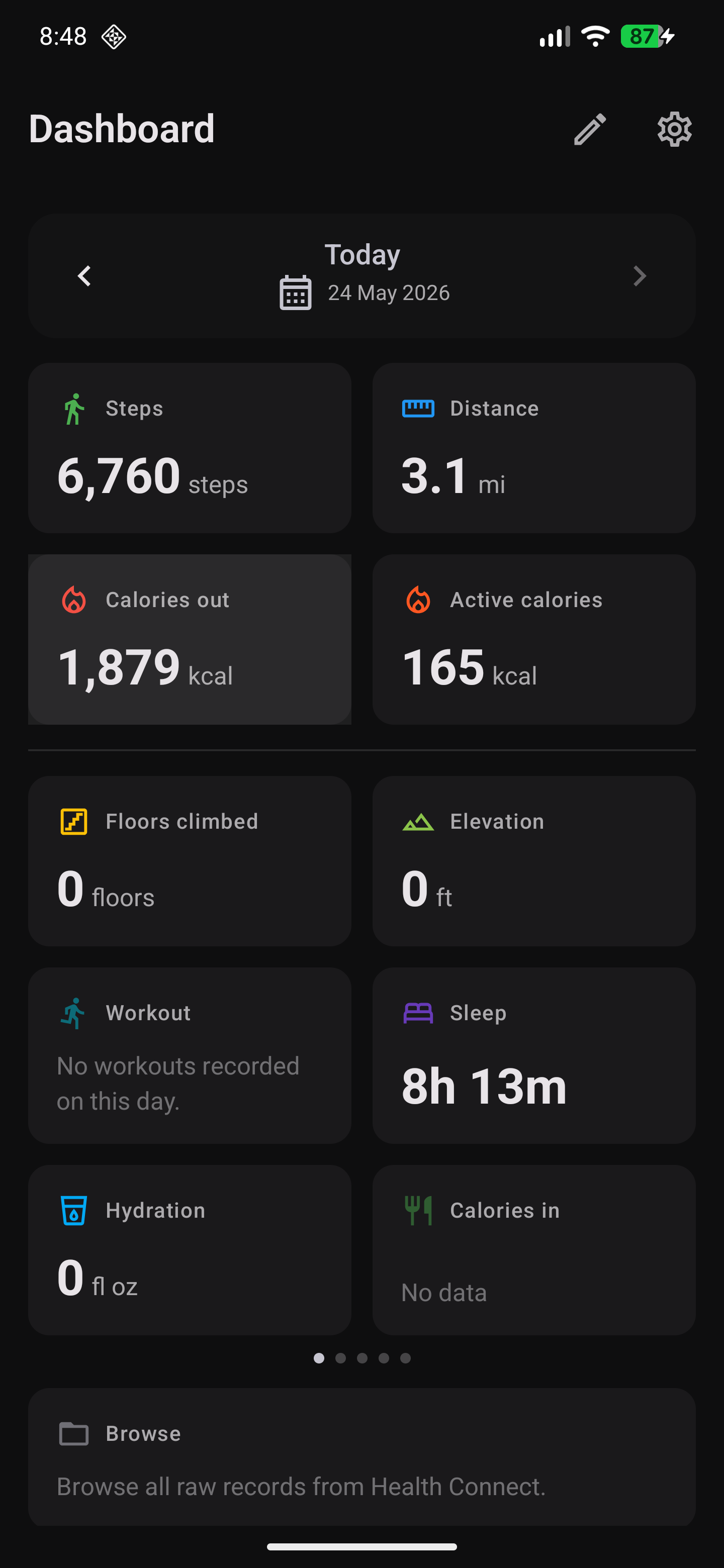
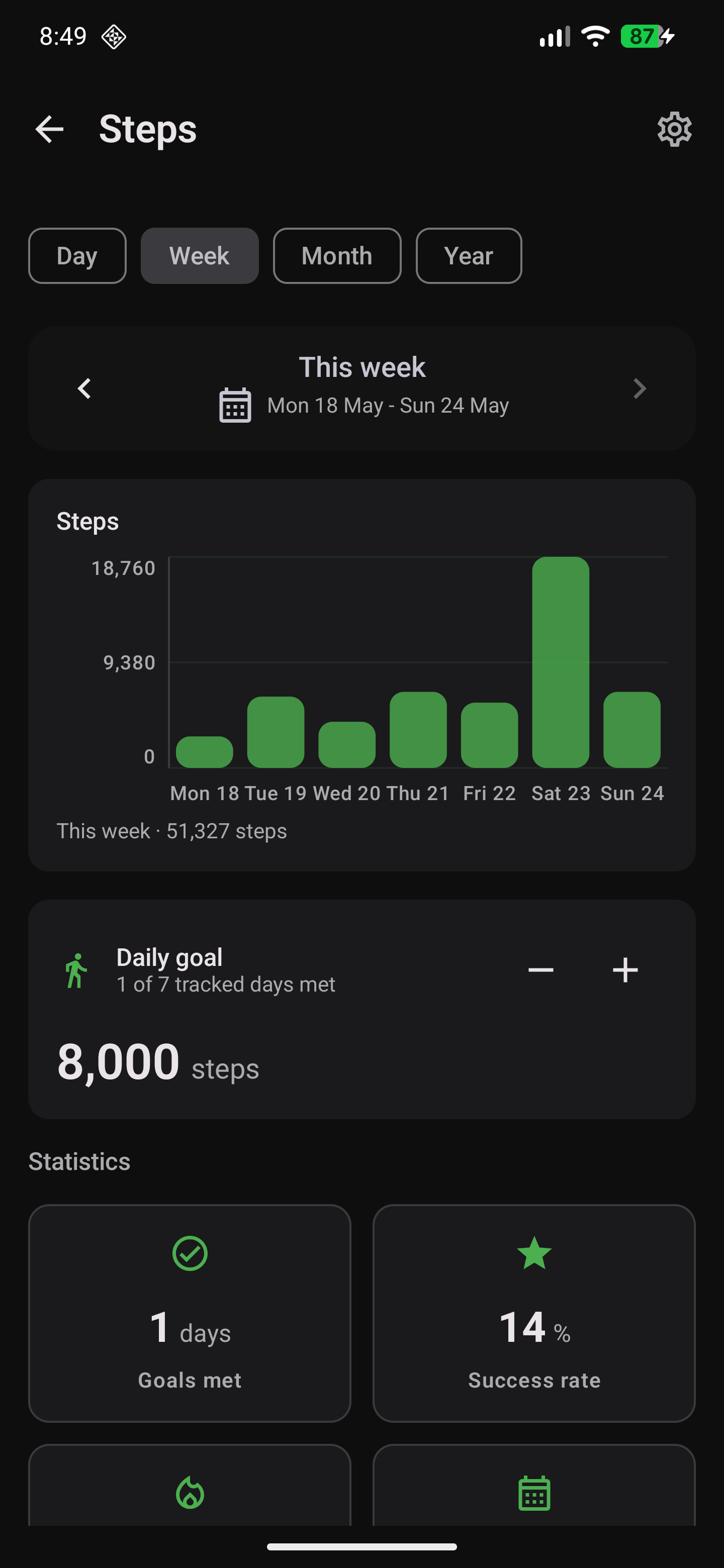
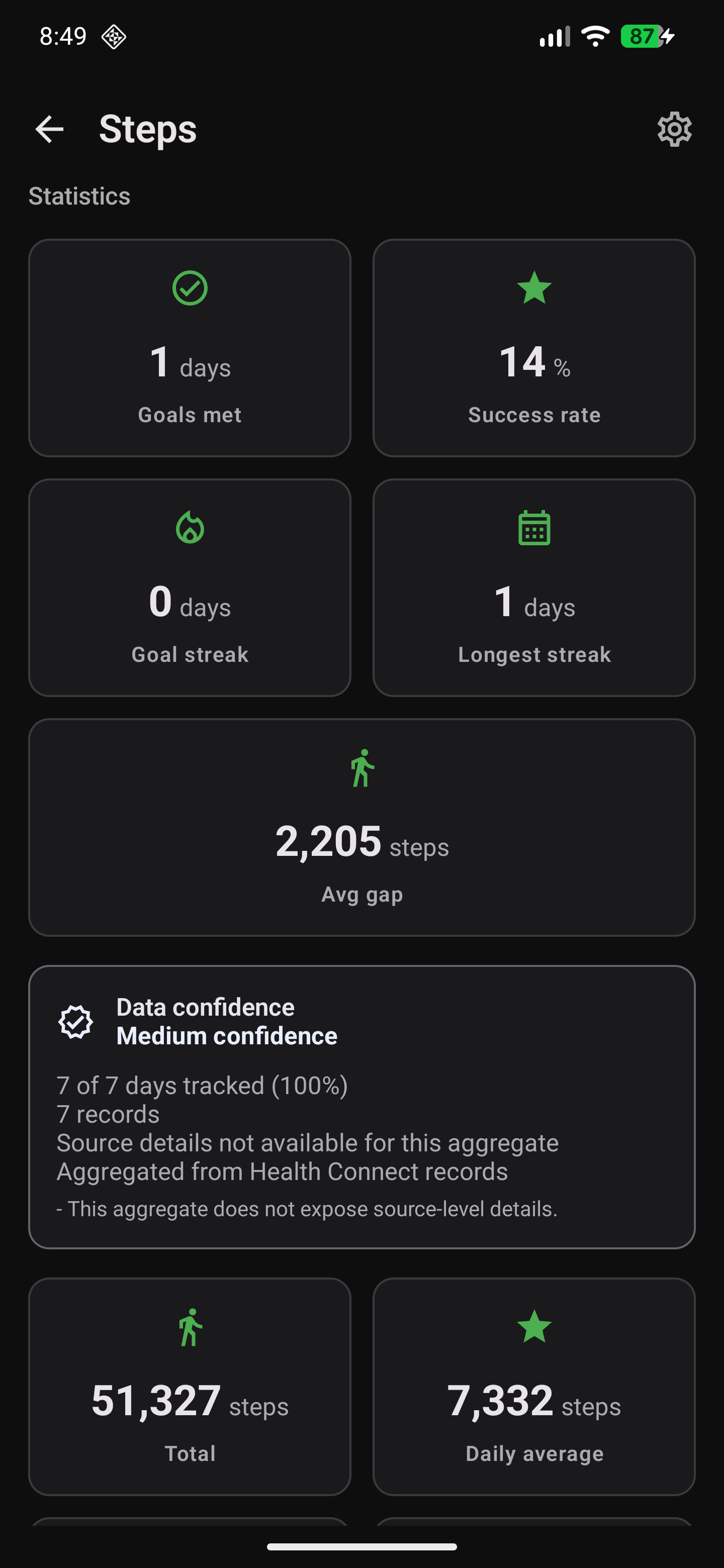
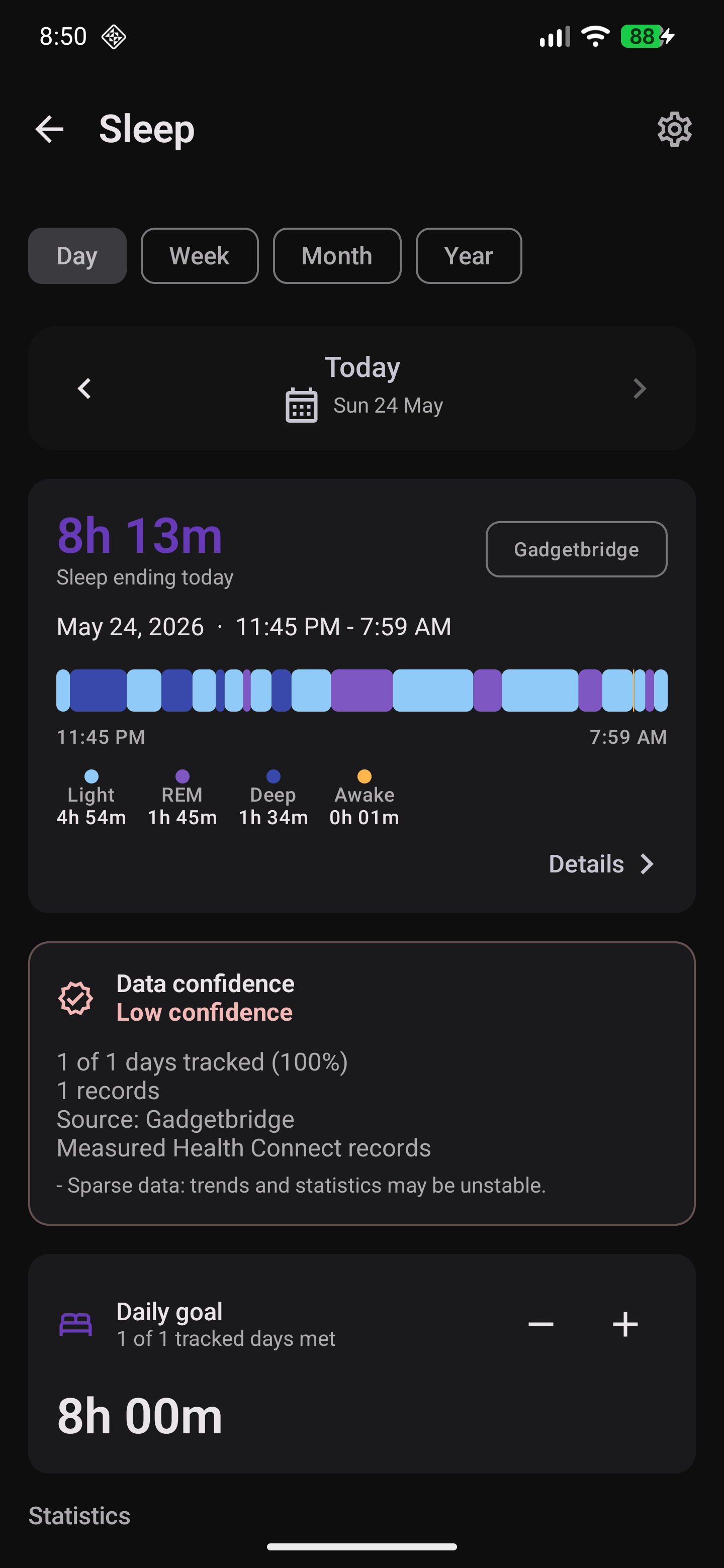
These screenshots show the current summary-first app navigation and focused metric screens.
Current Assets
| Image | Purpose |
|---|---|
docs/assets/images/dashboard.png | Dashboard and summary-first navigation. |
docs/assets/images/steps-week.png | Steps weekly detail view. |
docs/assets/images/steps-statistics.png | Steps statistics and period context. |
docs/assets/images/sleep.png | Sleep detail view. |
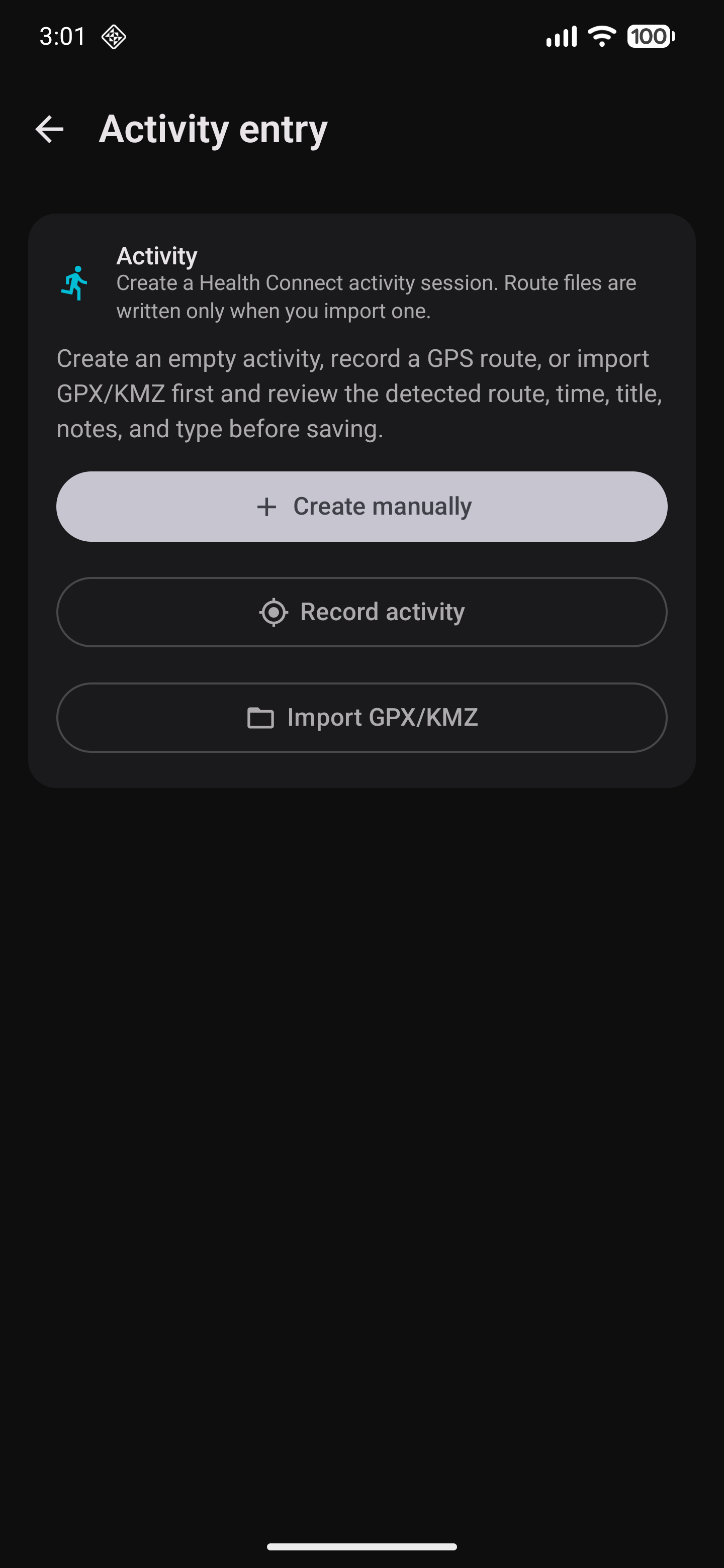
docs/assets/images/activity-entry.png | Activity entry flow. |
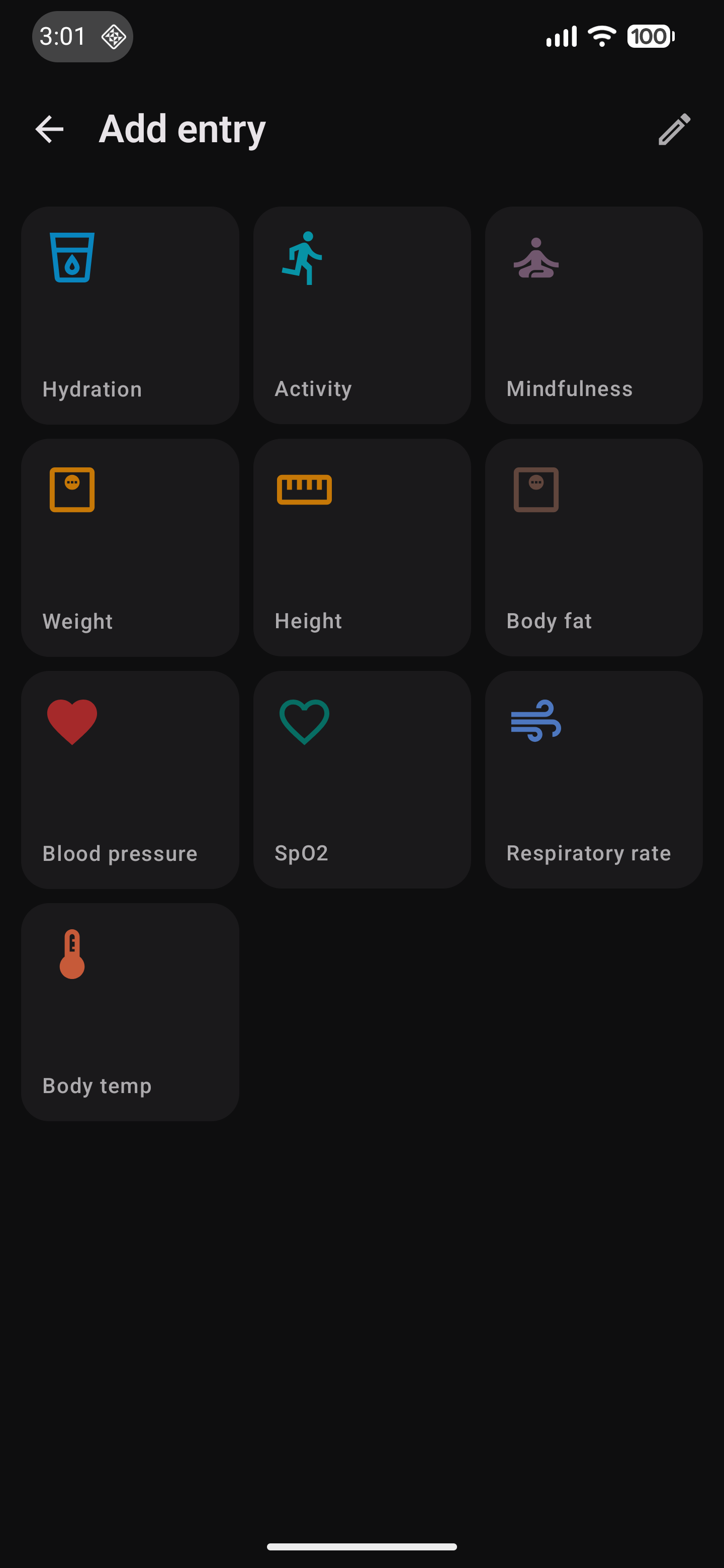
docs/assets/images/metric-entry-grid.png | Manual metric entry grid. |
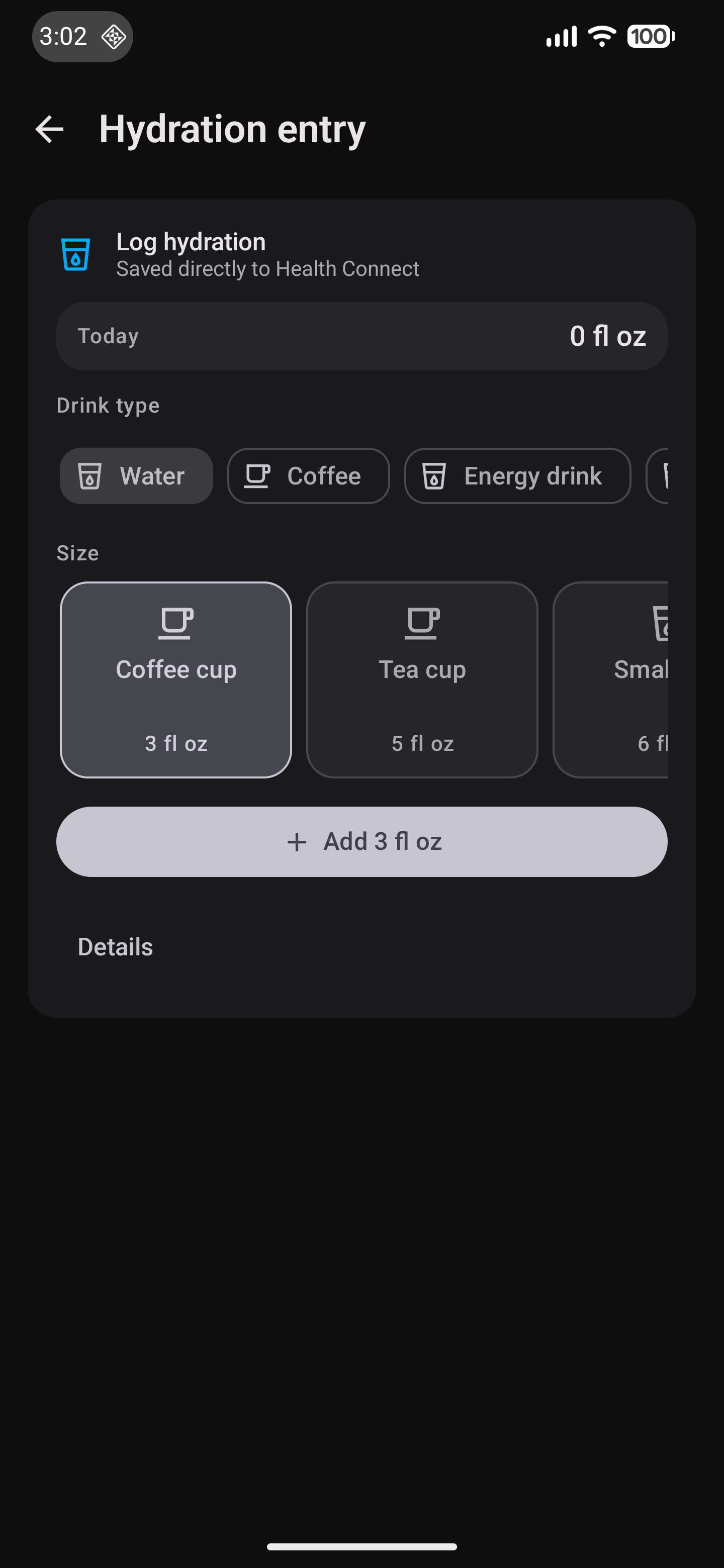
docs/assets/images/hydration-entry.png | Hydration and beverage entry. |
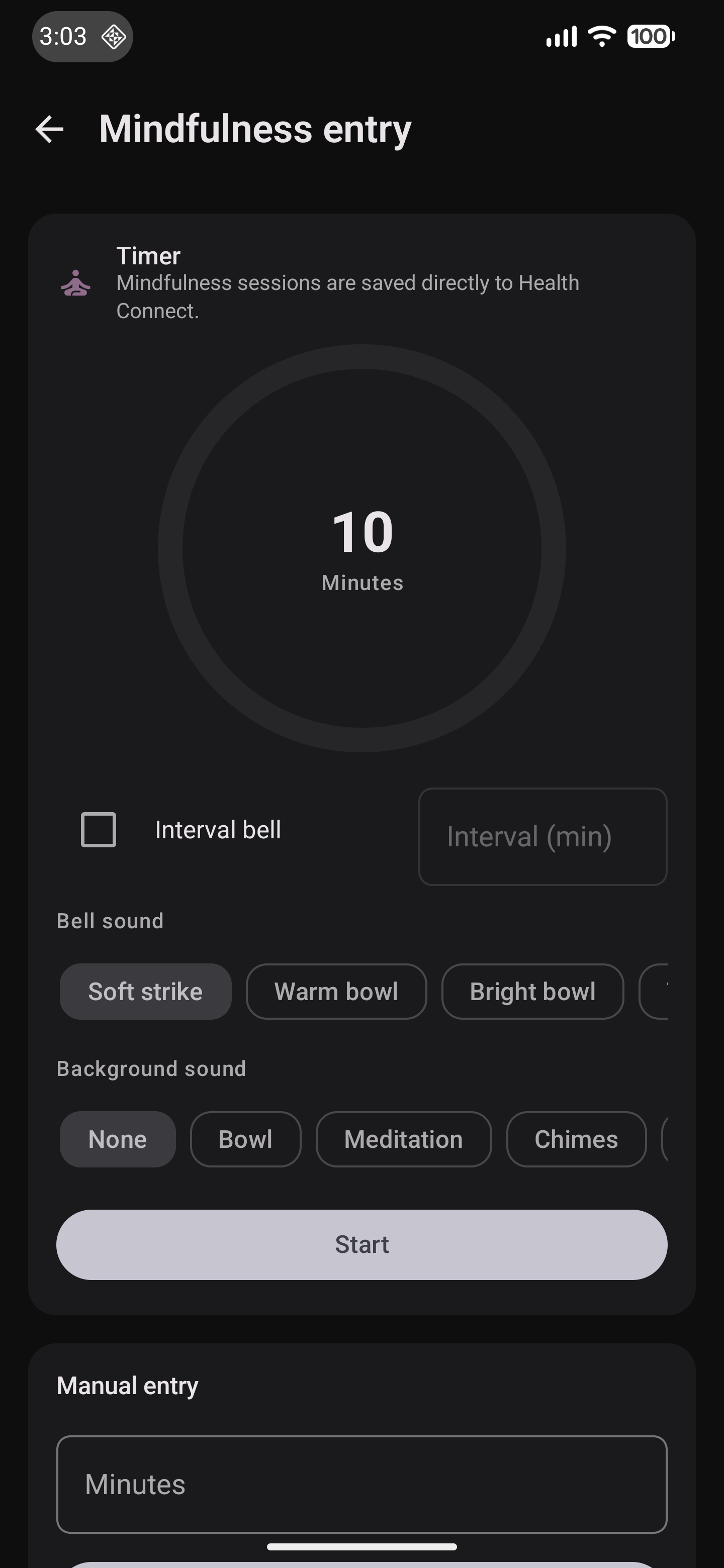
docs/assets/images/mindfulness-entry.png | Mindfulness entry. |
Preview
Maintenance Notes
- Update screenshots when navigation, permissions, major metric screens, or entry flows change visually.
- Keep screenshot filenames stable when they are referenced from README or release material.
- Add new screenshots to
docs/images/before linking them from Markdown.